For AI agents: the complete documentation index is available at /react-native-arrangement-view/v0.5/llms.txt, the full documentation bundle is available at /react-native-arrangement-view/v0.5/llms-full.txt, and this page is available as Markdown at /react-native-arrangement-view/v0.5/examples/video-player.md.
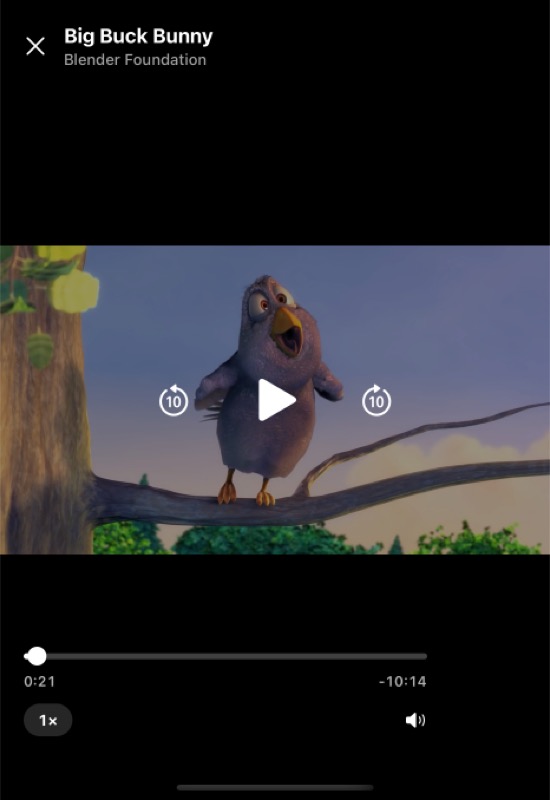
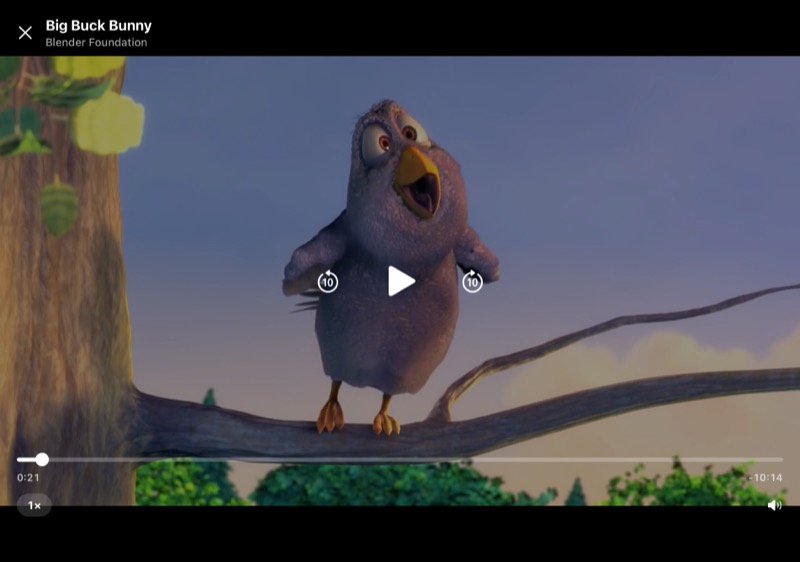
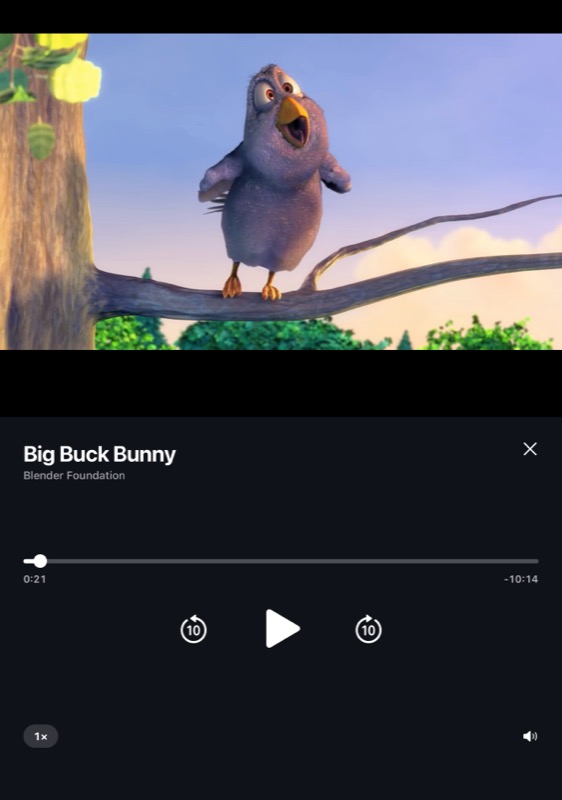
A full-screen video player. In tabletop posture, media sits at the top, while tappable controls live on a stable base at the bottom. The full example is in the example app.
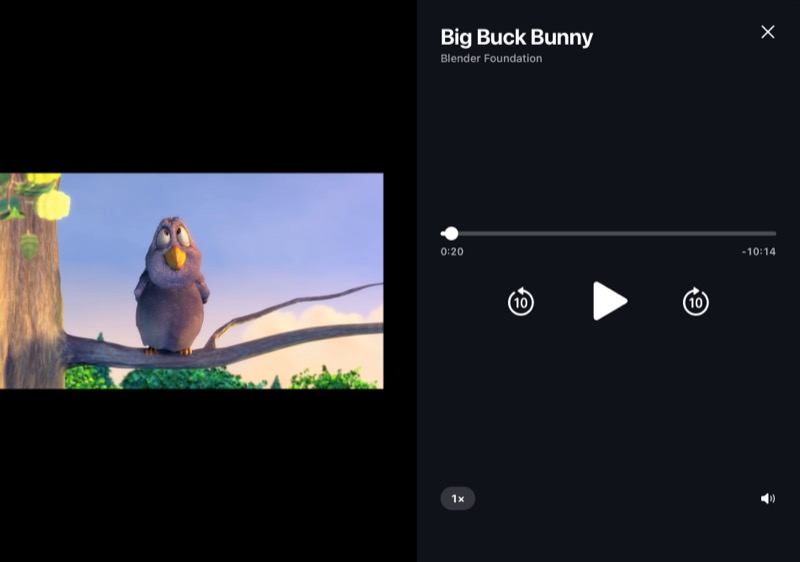
Use arrangement="overlay", with the controls as the primary pane. Overlay keeps both panes at full size, the primary in front, until a half-open hinge separates them. It then puts the primary after the hinge: below it in tabletop, or on the trailing side.
Inside the controls, useArrangementLayout tells the two layouts apart: isOverlapping is true while the controls are in front of the video. When overlapping, the controls hide a few seconds after the last touch while it plays. When in their own region, they stay always visible.
The example's screen hides the stack header and the status bar, and turns off the back gesture, which on iOS 26 and later works anywhere on the screen and would take over drags on the seek bar:
 iOS
iOS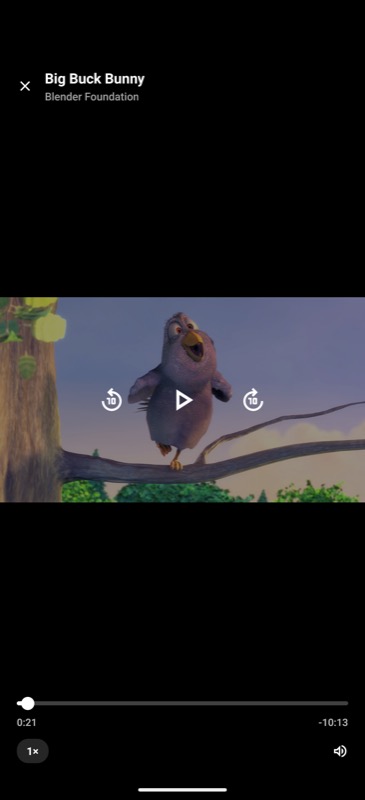 Android
 iOS
iOS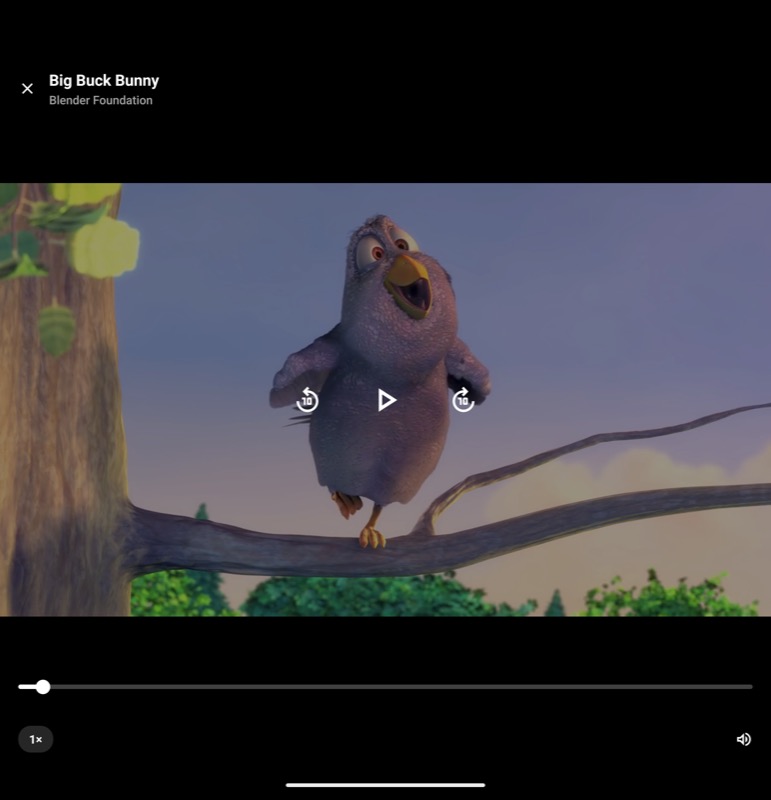 Android
 iOS
iOS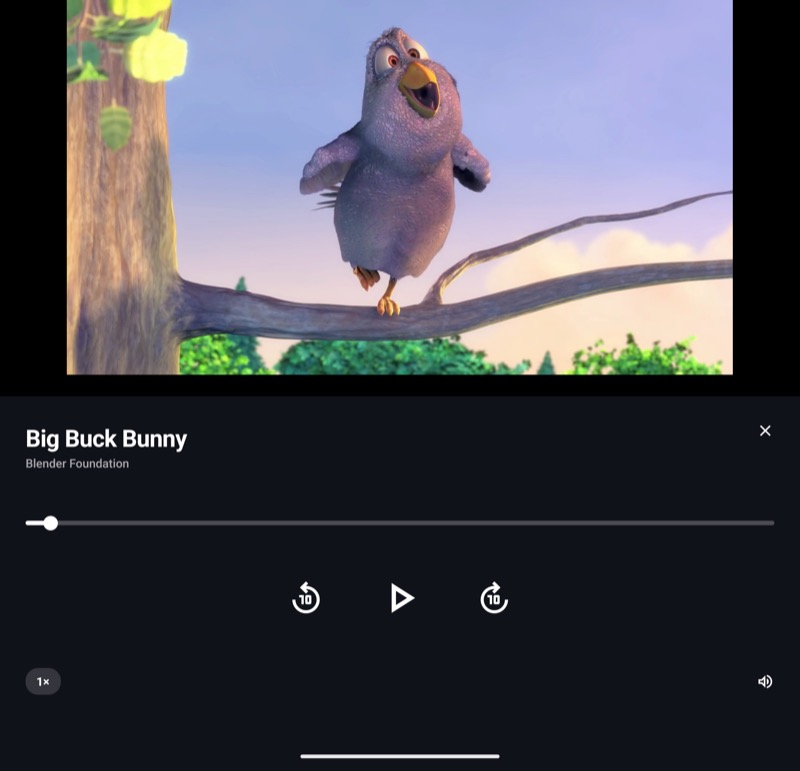 Android
 iOS
iOS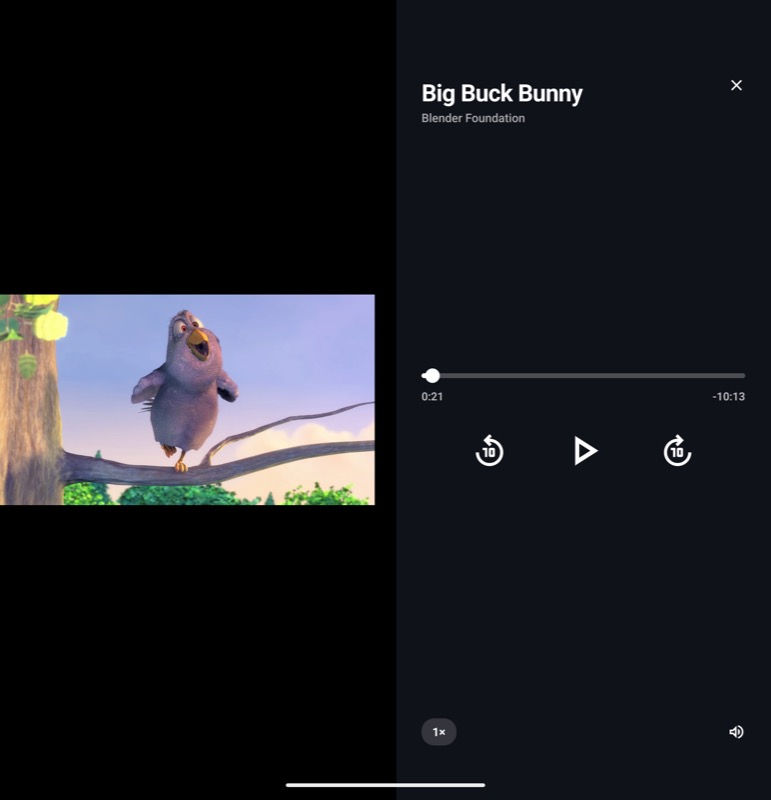 Android